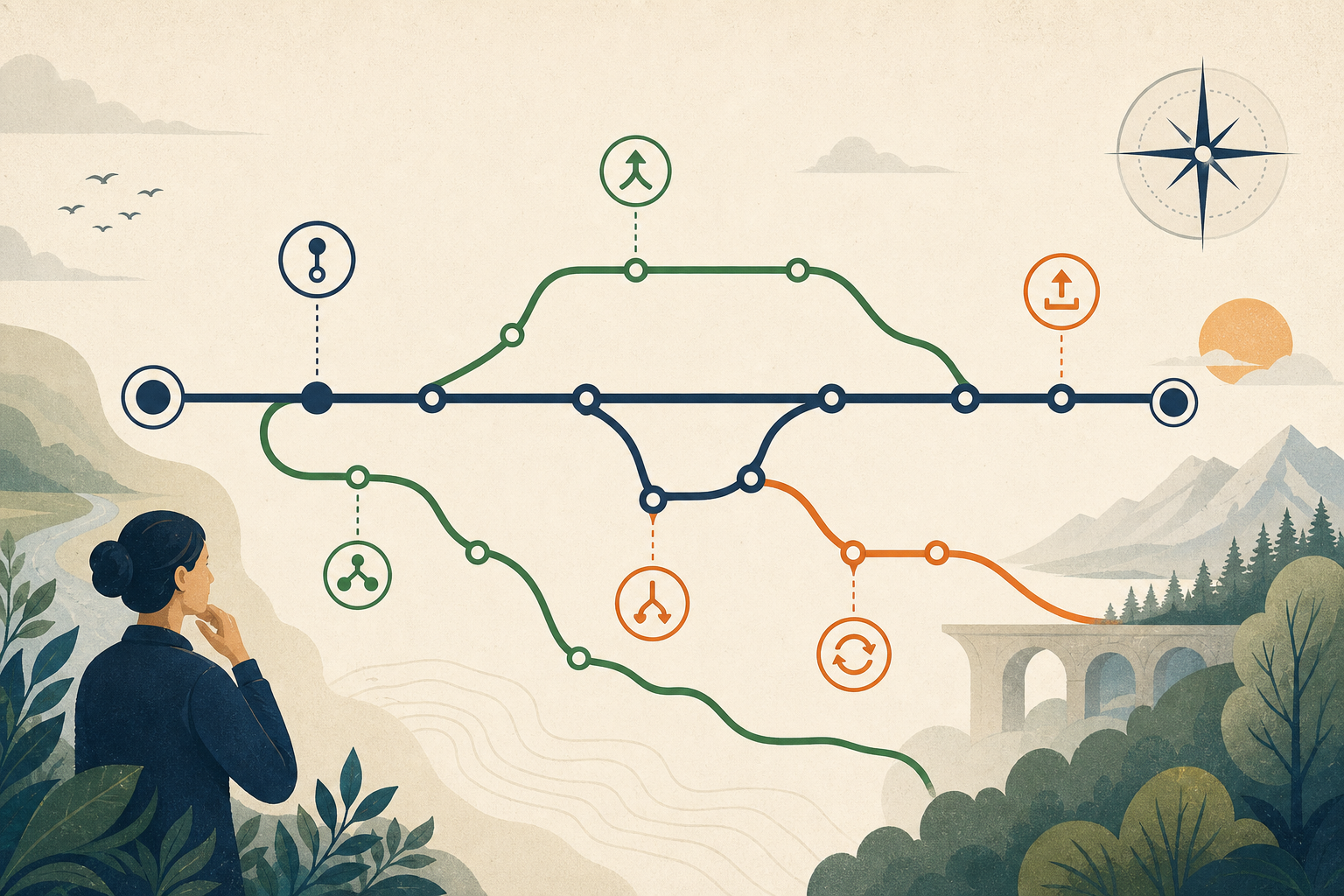
Version control experts often underestimate how confusing Git is for beginners.
The commands are not the hard part for very long. The mental model is.
Most new developers can memorize git add, git commit, and git push quickly enough. What they usually do not get from that is judgment.
What belongs in a commit? How big should a commit be? What makes a commit message useful? When should you push? What should you do if you are not confident about the state of the repo?
Those are the questions that actually slow people down.
Lately, one of the more interesting things I have noticed in GitHub Copilot (the new app) is that it seems to understand this distinction. It does not only act like a command explainer. In a lot of cases, it behaves more like a quiet workflow coach.
That is a bigger product idea than it sounds like.
Git beginners do not mainly need syntax
Traditional Git education tends to focus on commands.
You learn the sequence.
You memorize the flags.
You practice a couple of happy paths.
That is useful, but it is not enough.
The real beginner friction usually shows up one level above syntax:
- deciding whether a set of changes belongs together
- choosing when to checkpoint work
- writing a commit message that will still make sense later
- knowing when local work is stable enough to push
- avoiding panic when something feels uncertain
In other words, beginners do not just need Git help.
They need software development judgment.
That is why so many Git tutorials feel oddly incomplete.
They teach the mechanism and skip the decisions.
The GitHub Copilot app teaches habits, not just commands
What makes the GitHub Copilot app interesting here is not that it can explain what git commit does.
Plenty of tools can do that.
What is more valuable is the way it appears to nudge users toward better habits in the middle of actual work.
The guidance I have seen tends to push in directions like:
- make smaller, more focused commits
- describe what changed clearly
- check repository state before taking the next step
- avoid bundling unrelated work together
- treat pushing as a deliberate boundary, not a reflex
That is not really Git instruction.
That is apprenticeship.
The tool is not just answering a question after the fact.
It is shaping behavior at the moment a decision is being made.
That matters because most people do not open documentation right when they are uncertain. They hesitate, guess, or cargo-cult what they half remember.
An assistant that intervenes at the point of hesitation can do something documentation usually cannot.
The workflow is where the teaching happens
Consider the Copilot merge skill. It does not just run git merge. It bakes a decision-making process into the workflow:
Step 1: Check for uncommitted changes
git status --porcelain
This forces the decision upfront: Is the workspace clean? Should you commit first? It prevents the panic of merging an uncertain state.
Step 2: Perform the merge
git -C <main-worktree-path> merge <topic-branch>
Clean, explicit. No flags, no force-pushing. Just a deliberate merge that respects the history.
Step 3: Handle conflicts with intent
If conflicts arise, the skill does not skip them or auto-resolve them. It:
# List conflicted files
git diff --name-only --diff-filter=U

# Read each file
# Resolve by preserving intent of both sides
git add <resolved-file>

# Commit the merge
git commit --no-edit
This is teaching through structure. Every step reinforces a habit: clean state, explicit action, intentional resolution, validated result.
Step 4: Validate the merge
# Confirm the working tree is clean
git status --porcelain

# Confirm the topic branch is now an ancestor
git merge-base --is-ancestor <topic-branch> HEAD
This validates that the merge actually worked. It prevents the "did it work?" doubt that makes beginners nervous.
The quiet UX win is timing
I think the most interesting part of this is not the wording of any individual prompt.
It is the timing.
Git documentation lives off to the side.
Copilot lives inside the workflow.
That changes the kind of product it becomes.
Instead of saying, "Here is how version control works" in an abstract tutorial, it can say, in effect:
- this change set looks too broad
- this commit message could be more specific
- you may want to inspect the repo state first
- this is a good moment to create a checkpoint
That is a very different kind of teaching.
It is closer to having a senior developer nearby who does not give a lecture, but does quietly steer you away from sloppy habits before they harden.
The UX win is that the advice arrives exactly when the user needs it.
Prompt engineering becomes embedded mentorship
This is the part I keep coming back to.
What GitHub appears to have done is encode years of engineering best practices directly into assistant behavior.
Not into a blog post.
Not into a help center article.
Into the workflow itself.
That is what makes prompt engineering interesting to me when it is done well.
At its best, prompt engineering is not just about getting nicer text out of a model. It is about embedding judgment into a tool so that users receive better defaults while they work.
That means the prompt is doing something larger than response shaping.
It is carrying institutional knowledge.
A lot of software teams already know what good Git hygiene looks like:
- small commits
- clean boundaries
- descriptive messages
- less fear around checkpoints
- more deliberate repo management
The clever move is not simply documenting those ideas.
The clever move is making them show up right when a user is about to make a choice.
This pattern matters far beyond Git
The Git example is useful because it is familiar, but I think the bigger lesson applies almost everywhere.
Good AI products do not just answer questions.
They guide decisions.
That same pattern could apply to:
- GIS workflows
- data management
- code reviews
- pull requests
- map publishing
- geoprocessing pipelines
Imagine an ArcGIS-adjacent assistant that gently pushes users toward reproducible scripts instead of one-off clicks.
Or one that notices a workflow has no metadata trail and encourages documentation before a dataset gets shared.
Or one that spots a brittle geoprocessing sequence and suggests a version-controlled notebook or script instead of another opaque manual run.
That is much more interesting than an assistant that merely explains what a buffer tool does.
The real leverage is not in answering the obvious question.
It is in helping people make better operational decisions while the work is still in motion.
The best tutorial may not look like a tutorial
This is why I think one of the best Git tutorials may not look like a tutorial at all.
It may look like a tool that quietly reinforces good habits over and over:
- break the work into smaller pieces
- name the change clearly
- inspect before you push
- do not mix unrelated edits
- leave yourself a trail you can understand later
That kind of product teaches through repetition and timing rather than explanation.
And honestly, that is often how people learn best.
Not through a single deep lecture.
Through dozens of well-timed nudges that slowly build instinct.
The takeaway
The most interesting part of the GitHub Copilot app's Git guidance is not the specific phrasing.
It is the realization that prompt engineering can encode best practices directly into a workflow.
The result feels less like help documentation and more like having a senior engineer quietly looking over your shoulder.
If more AI products worked that way, they would be a lot more useful.